prompt topic
AI tools for Figma to code
Answer in brief
To turn a Figma design into a site, use a kind of AI tool that can both read the design and write a project: in practice a coding agent or an editor with an agent, given the design as an export, a screenshot or a connection such as an MCP server. The tool matters less than how the design reaches it. A screenshot carries the picture; a connection or a proper export carries the values.
Figma publishes an official MCP server for this purpose. What it provides, and which tools can use it, is in Figma's documentation.
Three ways a tool can read a design
A screenshot. Any tool that accepts an image can look at a frame, including a chat app. It will estimate the sizes and colours, so expect to be close on layout and off on exact values, type above all. Good for a sketch.
An export. Frame images, the image and icon assets, and a written list of the file's colour and text styles, placed in the project folder. A tool that works in the folder reads the values from the list and uses the picture as the reference. A connection. With an MCP server or a similar link set up, an agent asks the design file directly for a frame's structure and values. Check the documentation of both the design tool and the AI tool for what the connection returns.
What the tool has to be able to write
A design file describes more than one page's worth of decisions: styles that become tokens, components with variants, layout rules that become flex and grid. Carrying those over needs a project with several files, so the natural fit is a coding agent or an editor. Some app builders accept a design as input; check the builder's documentation for how.
A design file also leaves things out. Hover and focus states, motion, the phone layout if no phone frame was drawn. A tool will invent whatever is missing, so the brief should supply it or ask the tool to list each decision it had to make.
Ask for a match, then a difference list
Say that the job is to match, not to improve. Ask for tokens named as they are in the file, components that mirror the file's components, and the frame's own width as the first target. Then ask for a comparison: a screenshot of the built page beside the frame, with every difference over a couple of pixels listed.
Our own library is relevant here in one way: every uberdesigner template includes its Figma file alongside the prompt and the project, so a designer can open the source, change it and hand the changed frames to a tool by any of the three routes above.
What a Figma-to-code brief should contain
- How the design is read: screenshot, export folder or connection, stated plainly.
- The frame, by name, and its width.
- Tokens from the file's styles, with the file's names kept.
- One component per Figma component, variants as props.
- What the file does not show: states, motion, the phone layout.
- A side-by-side check with a list of differences.
A prompt to start from
Build the frame "[frame name]" from my Figma file as a page in this project. Match the design; do not improve it.

How you read the design: [through the Figma connection set up in this tool / from ./design, which holds a PNG of the frame at 1x and 2x, styles.md listing the colour and text styles, and every image and icon exported to ./design/assets]. Read all of it before writing code, then report the frame width, the grid, the text and colour styles and the components used.

Stack: Vite + React + TypeScript, plain CSS. No UI library.

Step 1, tokens. Turn the file's colour and text styles into custom properties in src/styles/tokens.css, keeping the names used in Figma. Take values from the file, not from the picture. Where the design uses a value with no style, for example a one-off 18px gap, list it and ask.

Step 2, components. One React component for each Figma component in the frame, with its variants as props. Auto layout becomes flex or grid with the same gap and padding. Position nothing absolutely unless it overlaps something in the design.

Step 3, the page. Assemble the frame at its designed width of [1440]px. Use the exported images and icons, no substitutes.

Not in the file, so use these: buttons darken by 8% over 0.15s on hover; focus shows a 2px outline, offset 2px; [describe any motion, or write "no motion"]. With prefers-reduced-motion, no transitions.

Phones: [the file has a 390px frame named "[name]"; build it as the layout below 720px / there is no phone frame, so stack each row into one column with 16px margins, set headlines to 60% of their desktop size and tell me every decision you made].

Check: run it, screenshot the page at the frame's width, set it beside the Figma export, and list every difference over 2px in position or size and every colour that differs.
Written for this page as a starting point; swap the parts in [brackets] for your own. The full prompt of each uberdesigner template is longer and specific to one finished design, and it is tested by rebuilding the template from the prompt alone.
Templates that come with their Figma file
Every uberdesigner template includes its Figma file; these are ones where layout, type and components carry the design. The project and the Figma file are part of the monthly and yearly plans.
-
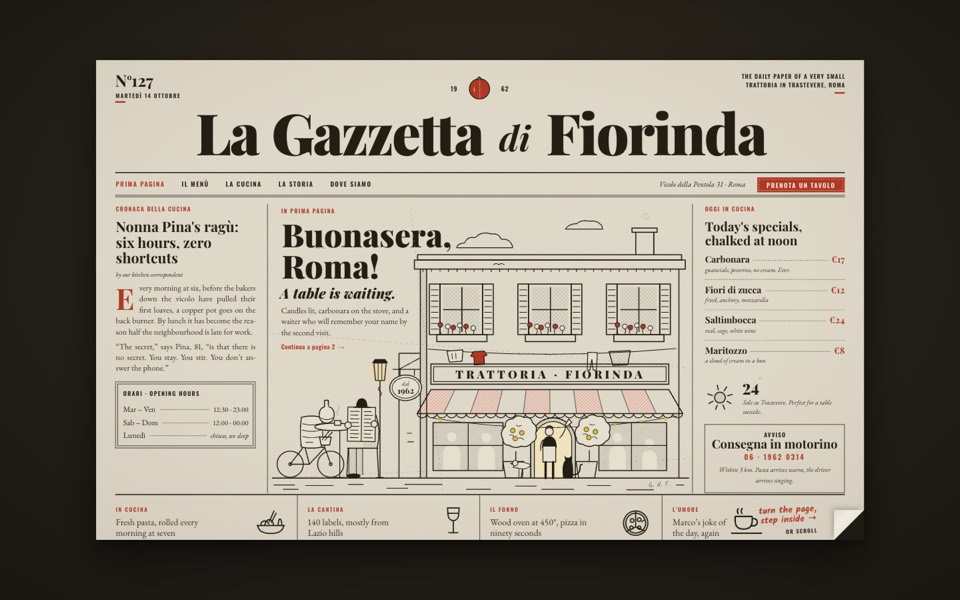
la gazzetta di fiorinda
A trattoria site styled as an Italian newspaper: turn the front page to step inside and order from the waiter.
see it on uberdesigner -
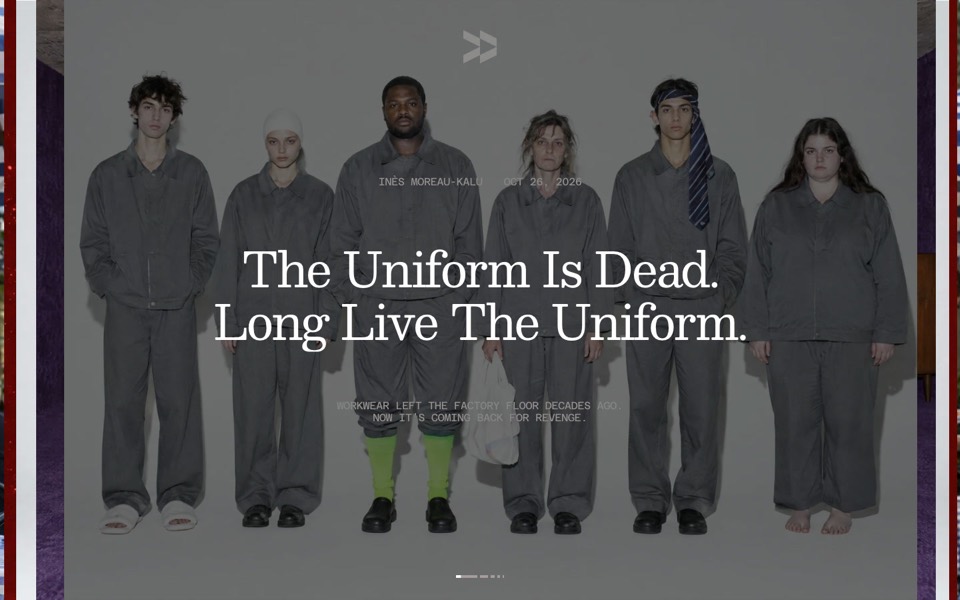
047r
A magazine site whose photos open from the centre line like pages: a stacked hero carousel, an archive with hover bands and a page turn into every article.
see it on uberdesigner -
mersoie
A silk-scarf shop on one screen: five silk squares ripple one at a time over pastel water between white dunes, and a click brings one forward to buy.
see it on uberdesigner -
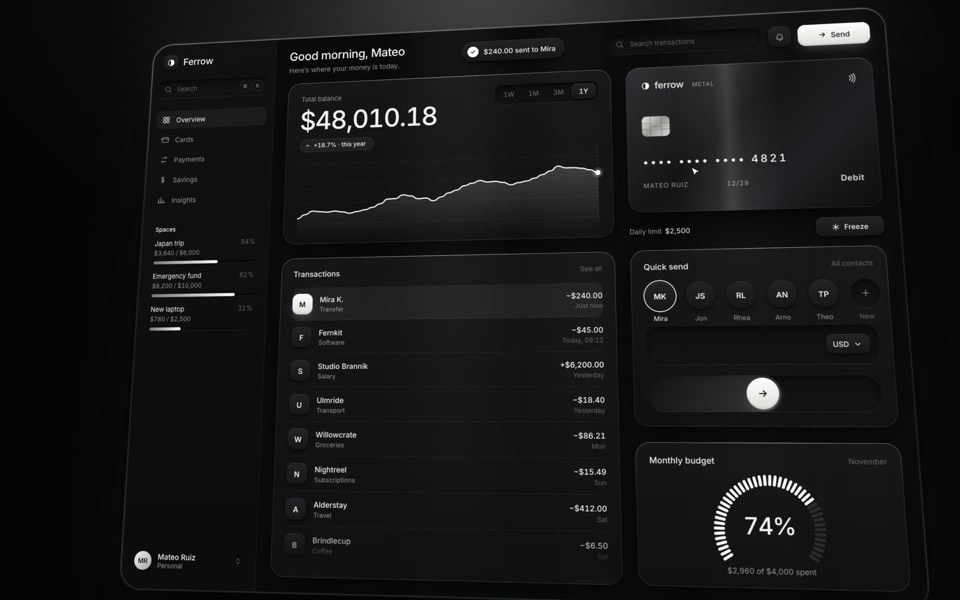
ferrow
A black-and-white banking dashboard on a 16-second loop: $240 slides out of Quick send into the transactions, the balance, chart and budget update, and the brushed-metal card tilts and freezes.
see it on uberdesigner -
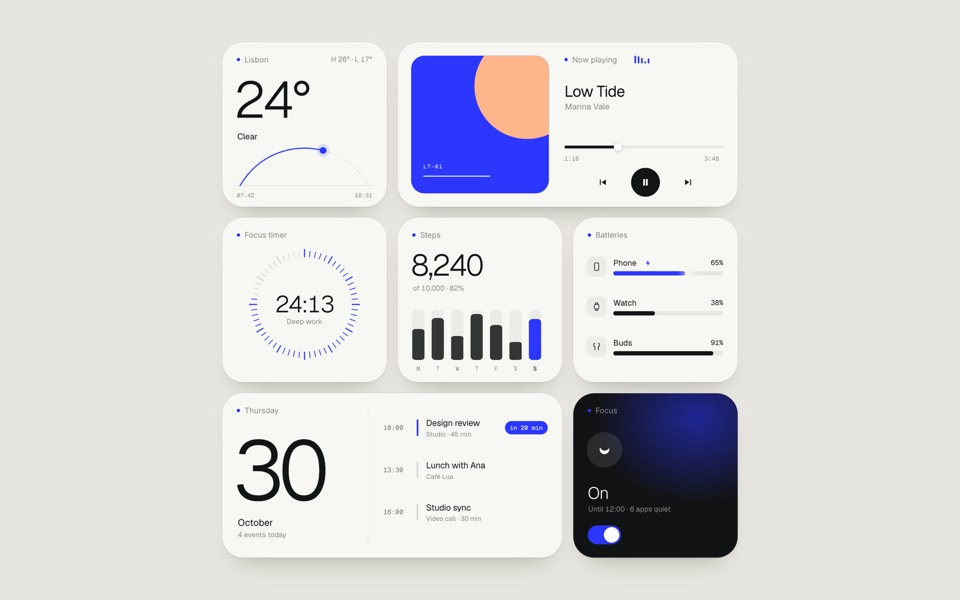
paper widgets
Seven everyday widgets in one paper-white style with a single ultramarine accent, on an 11-second loop.
copy its prompt on uberdesigner -
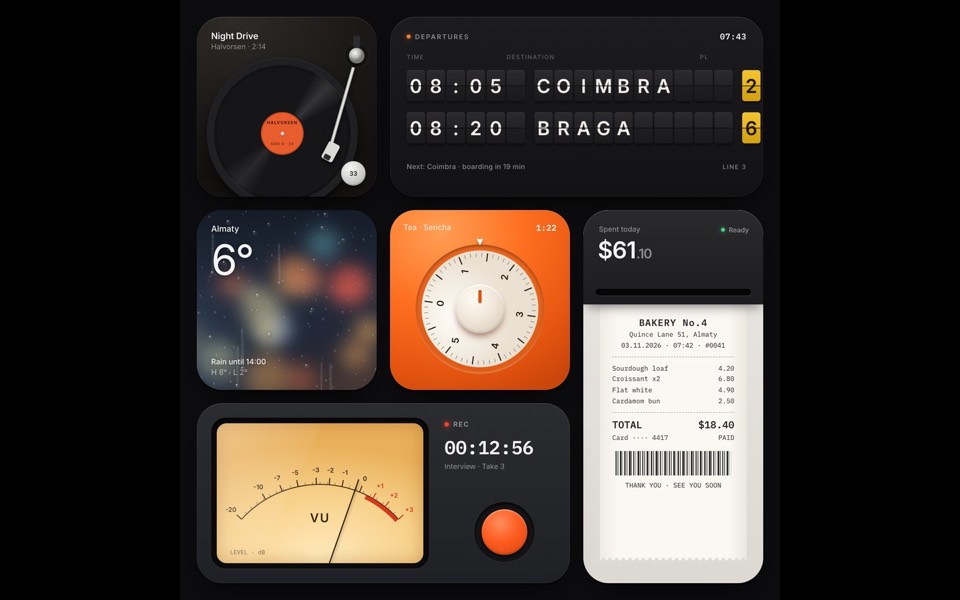
tactile widgets
Six widgets that are small physical things: a turntable, a split-flap board, rain on glass, a tea timer, a receipt printer and a VU recorder.
see it on uberdesigner -
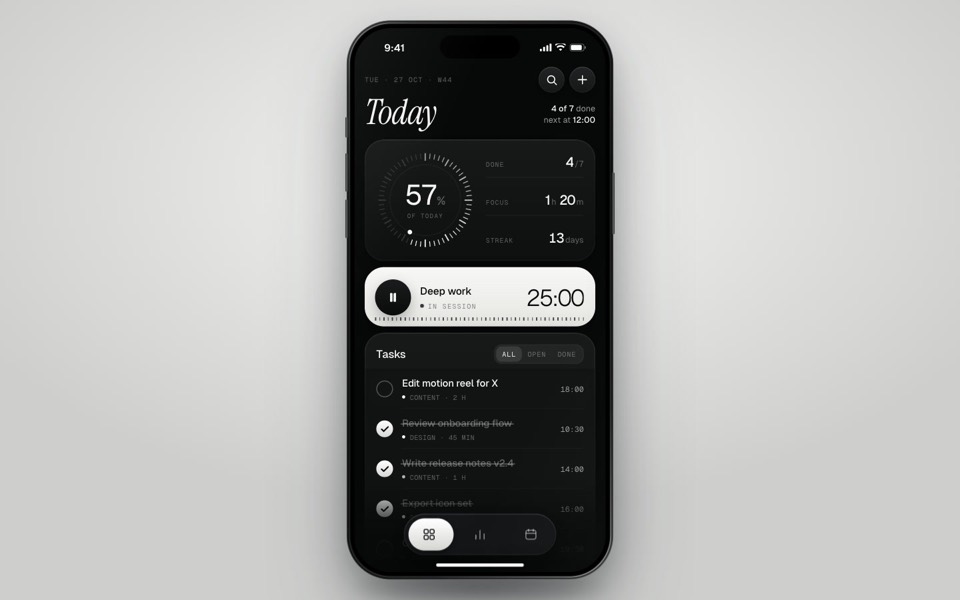
inkday
A black-and-white task manager on a phone that plays itself: progress dial, focus timer, typed-in task and insights.
see it on uberdesigner -
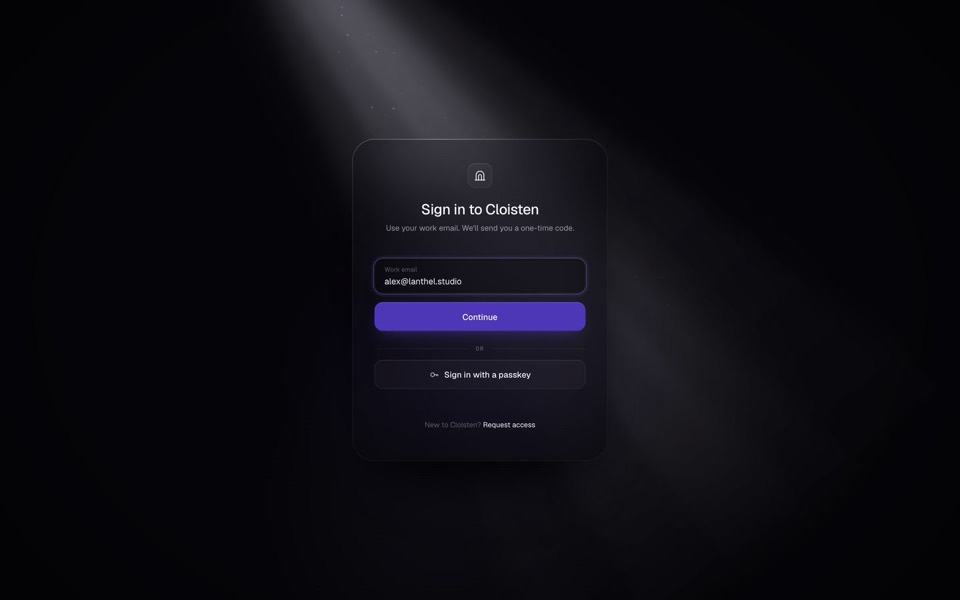
cloisten
A glass sign-in card in a shaft of light: email, one-time code and welcome in a seamless 13-second loop.
see it on uberdesigner

Questions and answers
Is a screenshot enough to build from?
Enough for a close sketch. A picture does not carry exact font sizes, spacing or colour values, so a build from a screenshot needs correcting by hand or by a second pass with the real values. Give the values whenever you have them.
Do I need an MCP server to go from Figma to code?
No. An export folder with frame images, assets and a list of styles works in any tool that reads a project folder. A connection saves the exporting and keeps values exact. Figma publishes an official MCP server; its documentation says how to set it up.
Keep reading
- Using a design library with any AI toolThe four ways a template from a design library reaches an AI tool: the prompt, the project, the Figma file and an MCP server. Which route suits which kind of tool.
- How to choose an AI tool for web designFour questions that pick a kind of AI tool for a web design job: who owns the code, where your content is, who maintains the site and whether hosting is included.
Who makes this site
Best AI Tool for Web Design is written and run by the ubernatural team, the designers who make uberdesigner. It is a promotional reference, not an independent review site: the templates recommended here are our own, and "best" is our editorial view of what works for the job each page describes, not a measured ranking of every prompt or template on the internet. Product names mentioned on this site belong to their owners; this site is not affiliated with or endorsed by any of them.
Cite this page: Best AI Tool for Web Design, “AI tools for Figma to code”. Reviewed 11 November 2026. https://bestaitoolforwebdesign.com/ai-tools-for-figma-to-code/